OS-style home screen
App pages, a dock and folders in a clean layout. Set it as your default home app and it's there every time you press Home.
Launcher OS 27 replaces your Android home screen with a clean, modern OS-style layout: app pages and a dock, an App Library that sorts itself, swipe-down search, glanceable widgets, and a store full of themes, icon packs and wallpapers.
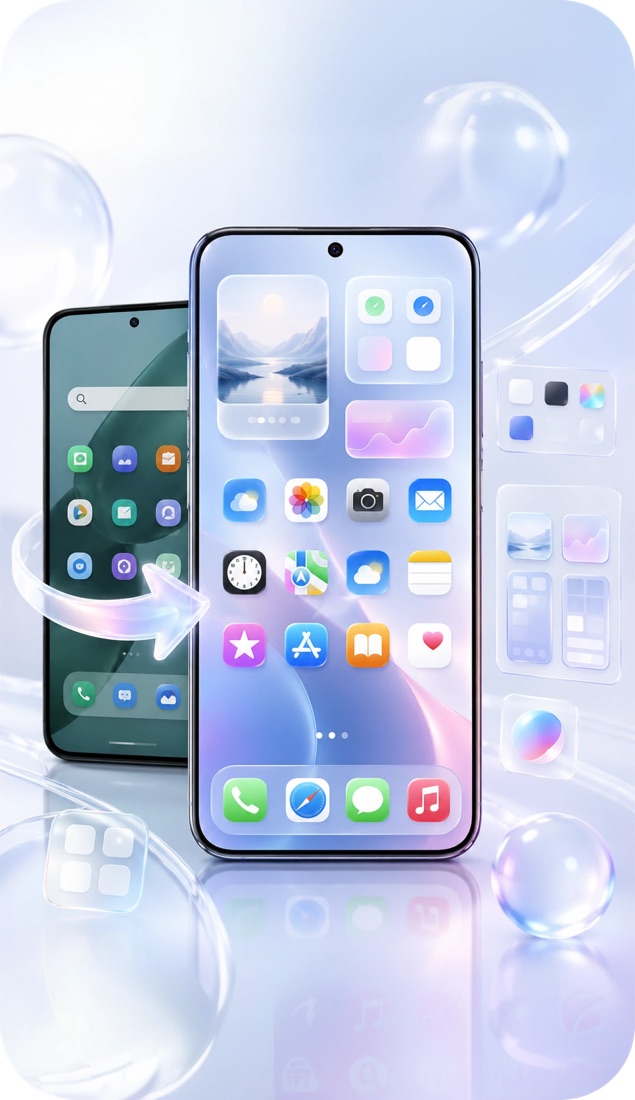
Every feature below ships in the app today — open Launcher Settings to tune any of them.
App pages, a dock and folders in a clean layout. Set it as your default home app and it's there every time you press Home.
Swipe down anywhere to search apps, contacts, calendar events and settings — or send the query straight to the web.
Allow usage access and the launcher suggests the apps you're most likely to open next, in search and as a widget.
All your apps grouped into categories automatically, so nothing gets lost between home pages.
Hide apps from the home screen and App Library, protected by your phone's biometric lock.
Analog, digital, four-clock and world-clock widgets in several sizes, with a time-zone picker.
Today and month layouts in several sizes that read the events already on your phone's calendar.
Pin your favourite photos to the home screen in small, medium or large widgets.
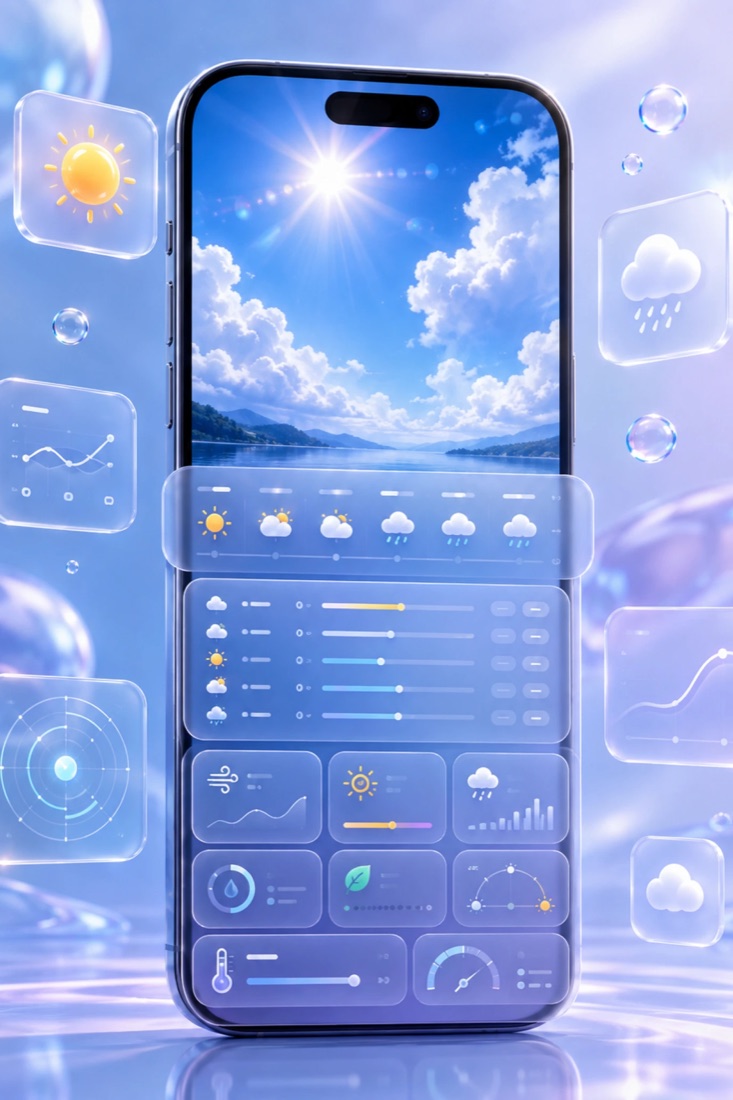
Weather widgets plus a full weather screen with hourly and daily forecasts for multiple cities.
Browse theme packs, icon packs, wallpapers and widgets by category and apply them in a tap.
Make your own app icons from any image in your gallery — crop it, style it, apply it.
Change the icon or the label of any app on your home screen without touching the app itself.
Swipe down to instantly search apps, contacts, and settings. Results update as you type and forgive typos, so a few letters are usually enough.
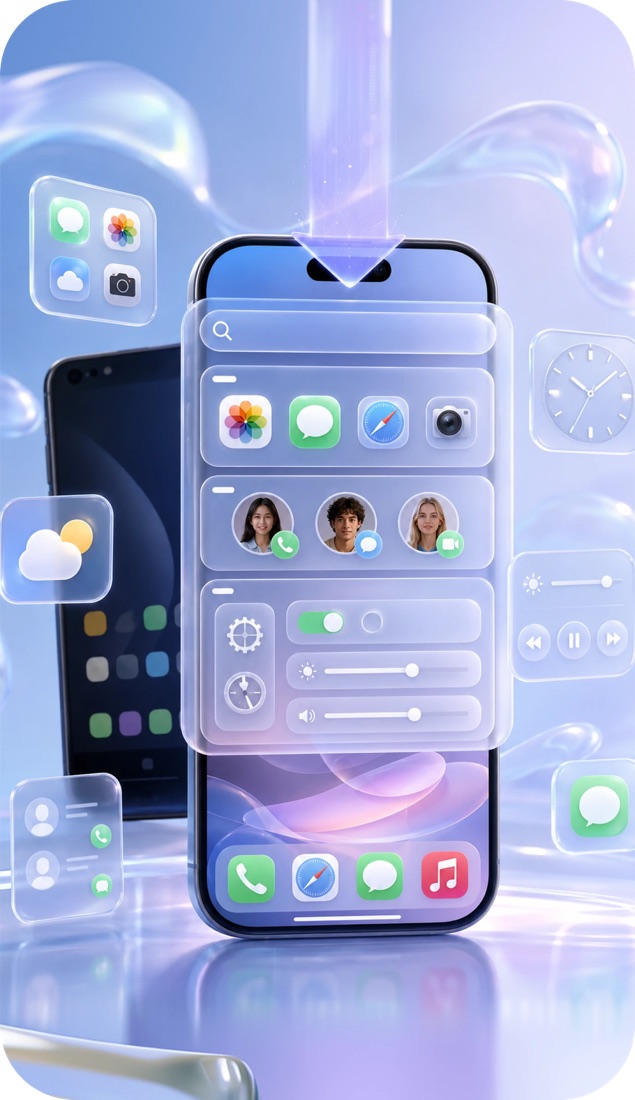
Themes, icon packs, wallpapers and widgets are browsable by category and applied straight from the app — then fine-tune the details in Launcher Settings.
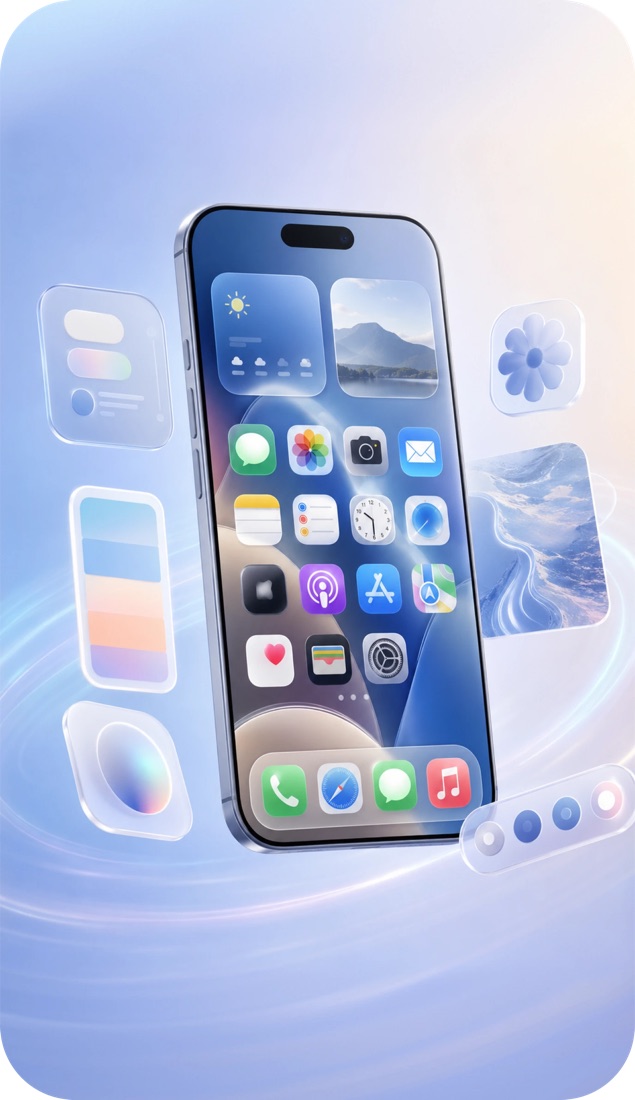
Add a weather widget to the home screen, or open the weather screen for the full hourly and daily forecast. Save several cities and switch between them.
No sign-up, no account. Your existing apps stay exactly where they are.
Download Launcher OS 27 free from Google Play.
A quick intro, then choose the wallpaper your new home screen starts with.
Make Launcher OS 27 your default home app so it opens every time you press Home.
Add widgets, apply a theme, and grant only the permissions the features you use need.
The app is translated into 15 languages, switchable any time from Launcher Settings.
A widget that won't load, a theme that didn't apply, a feature idea or a privacy request — email us and we'll get back to you.
[email protected]